Use this report to see more details about the reviewers, their individual scores and comments, and export the information.
Getting There
- On the home page at https://projects.sare.org/, click “Proposal Forms”.
- Find your proposal.
- Click “Manage proposals”.
- Click “Reviewers Report”.
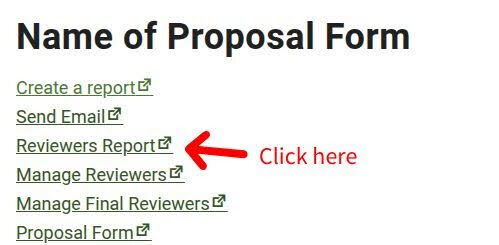
Here you can:
- Click the name of the reviewer to see their profile and their assigned proposals.
- Click “Reviewer Report” to see their full review.
- Click the proposal number to see the proposal details.
Export Spreadsheets
You can download Excel spreadsheets with the proposal’s reviews by clicking the green buttons in the upper right:
- Export Summary: contains information of all reviewers and their scores.
- Export Primary Details: contains information about the primary reviewers and their scores.
- Export Final Details: contains information about the final reviewers and their scores.