Getting There
- Go to SARE Projects at https://projects.sare.org/
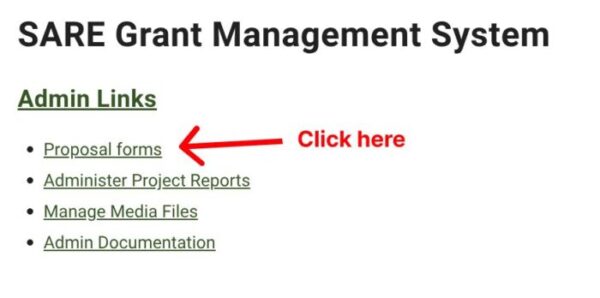
- On the home page, click “Proposal forms”.
- Locate the grant year for the proposal you are looking for.
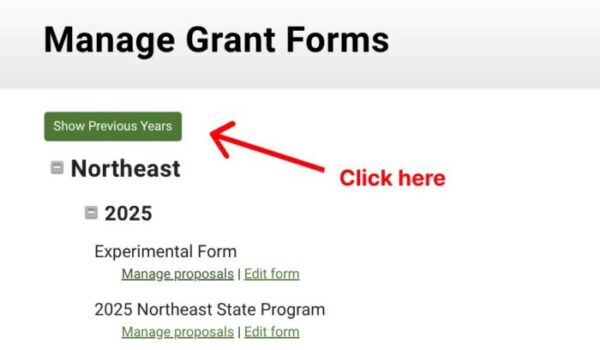
Note: If you are looking for older proposals, then click the “Show Previous Years” button at the top.
- Scroll down to the desired year.
- Click the plus icon to see all of the grants.
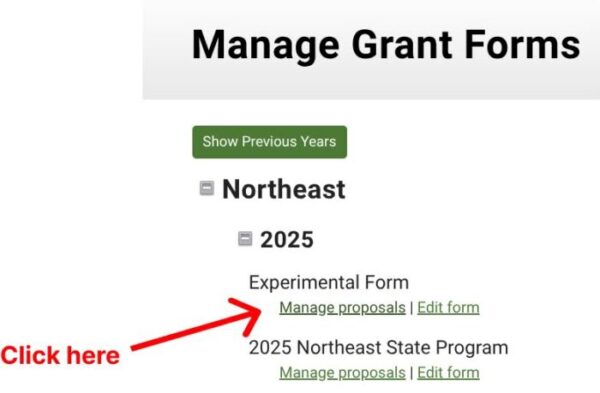
- Underneath the grant name, click “Manage proposals”.
Send Email
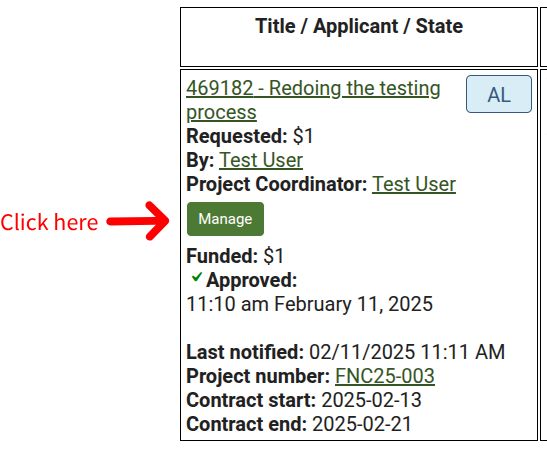
- Click "Manage".
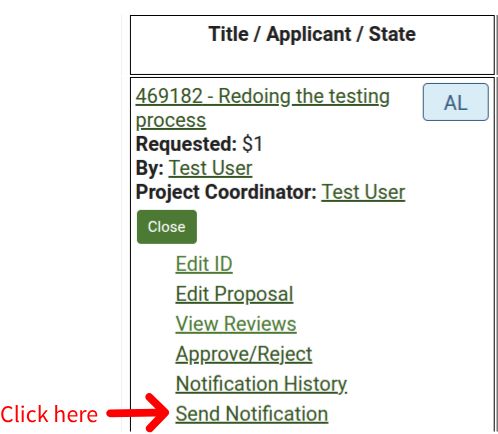
- Click "Send Notification".